About the Client
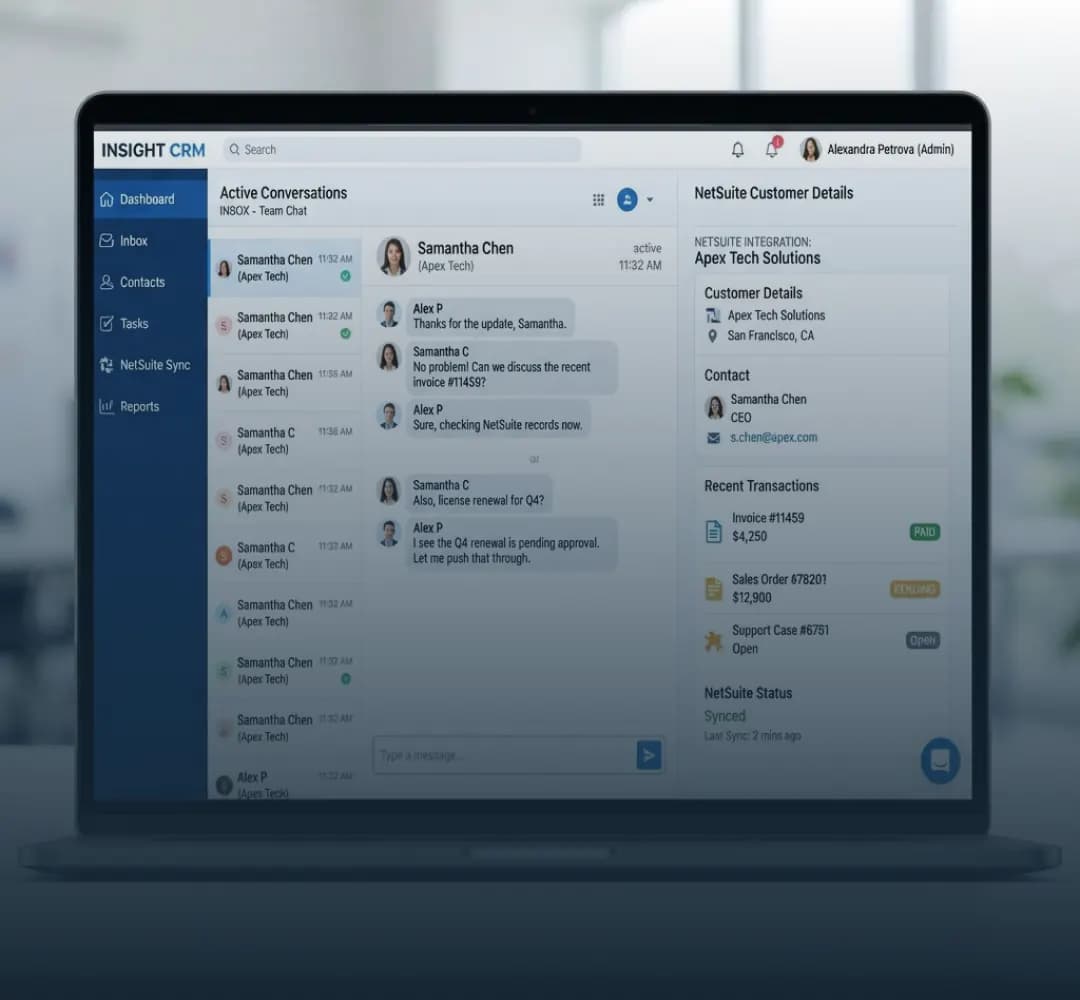
The client is a rapidly growing company that relies on Aircall as its main tool for handling inbound and outbound calls. As the business grew, so did its call volume, and keeping NetSuite up to date with every customer conversation became harder each month.
The Challenge
Aircall and NetSuite weren’t connected, so every call had to be logged in NetSuite manually. That created four problems.

Manual Data Entry
After every call, customer service representatives had to type call details into NetSuite by hand. It took time away from customers and invited mistakes.

Data Inconsistency
Because records were entered manually, Aircall and NetSuite often didn’t match, making it difficult to keep customer information accurate and up to date.

Limited Visibility of Call Activities
Without automatic syncing, managers and team members couldn’t see a real-time view of customer interactions, which limited their ability to make decisions based on communication history.

Inefficient Reporting
With call data incomplete and inconsistent, building accurate reports on call activity, performance and customer service trends was a struggle.
The Solution
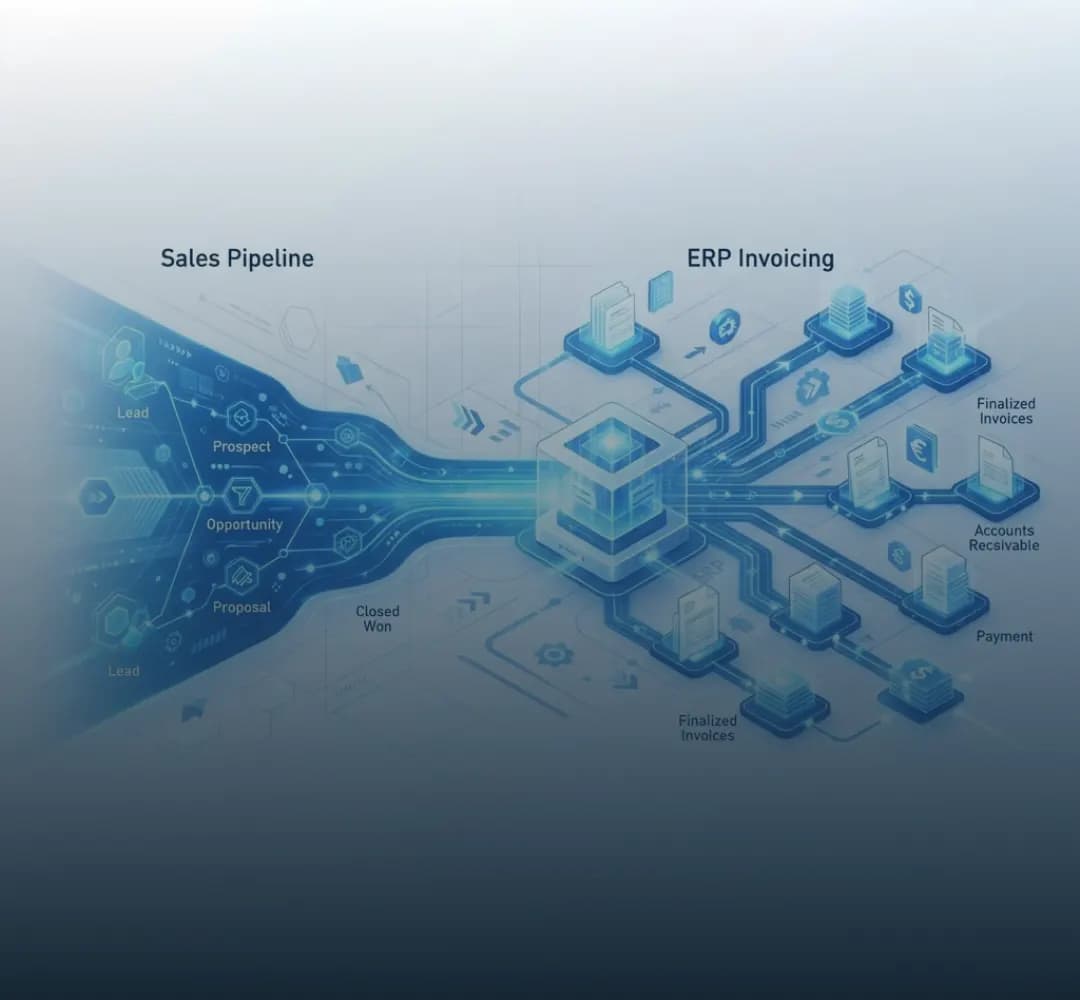
LST Consultancy designed a custom NetSuite API integration that connects Aircall directly to NetSuite and logs call activity automatically. It has three core components.

Automated Call Data Sync
Inbound and outbound call data flows from Aircall into NetSuite automatically, including call duration, timestamps, call notes and caller information, so customer records stay current.

Centralized Call Activity Logs
Every call is logged on the matching customer or prospect record in NetSuite, giving customer service and sales teams a complete communication history in one place.

Error Handling and Alerts
Built-in error handling catches any syncing issues, and automatic notifications alert the right team so problems are fixed quickly.
How We Delivered It
We followed an Agile approach across six phases.
Requirement Gathering
We worked with the client to understand their needs and define the integration scope.
API Setup
We configured the Aircall and NetSuite APIs for secure, reliable data exchange.
Data Mapping
We mapped call data fields, such as timestamps and notes, between Aircall and NetSuite.
Testing
We tested thoroughly to confirm data synced accurately.
Deployment
We launched the integration in the live environment and trained the client’s staff.
Support
We provided ongoing maintenance and troubleshooting to keep everything running smoothly.
The project team included a project manager, a business analyst, a NetSuite developer, an API integration specialist and a QA tester, so every part of the integration, from requirements to scripts to testing, had a clear owner.
Obstacles We Overcame
Every integration has tricky parts. Here’s how we handled the main ones.
Keeping data consistent across systems
 Challenge
- Call logs, notes and timestamps had to land on the correct NetSuite records every time.
 How we solved it
- A real-time, API-based sync with data validation, plus error logs and automatic alerts for any failure.
Working within API rate limits
- Challenge
- Both Aircall and NetSuite limit how many API calls can be made per minute or hour, which high call volumes could exceed.
- How we solved it
- Batch processing to reduce API calls, off-peak syncing when needed, prioritization of the most critical call data, and retry mechanisms so nothing was lost.
Handling synchronization errors
- Challenge
- Network failures, timeouts or downtime could leave records incomplete.
- How we solved it
- An error-handling framework that detects and retries failed syncs automatically, with detailed error reports and alerts to the technical team.
User adoption
- Challenge
- The team was used to logging calls by hand.
- How we solved it
- Training sessions, user documentation and a phased rollout, with manual processes available as a backup during the transition.
Mapping to custom fields
- Challenge
- Aircall and NetSuite structure data differently, and some NetSuite custom fields needed Aircall data.
- How we solved it
- Detailed field mapping and custom scripts that transform data into the right format.
Protecting NetSuite performance
- Challenge
- Syncing large volumes of data could slow NetSuite during busy periods.
- How we solved it
- Scheduling heavy processing for non-peak hours and using incremental syncs that only update new or changed records.
Security and data privacy
- Challenge
- Call data had to move securely and in line with privacy rules such as GDPR.
- How we solved it
- OAuth token authentication, encrypted data transmission, role-based access controls in NetSuite and regular integration audits.
The Results

Improved Efficiency
Manual data entry dropped significantly, freeing the customer service team to focus on higher-value work.

Better Data Accuracy
Automated syncing removed the errors that came from manual logging, keeping customer records in NetSuite up to date.

Clearer Customer Insights
Complete call activity logs in NetSuite gave managers and teams real visibility into customer interactions.

Ready to Scale
The integration is built to handle growing call volumes as the business expands.
Overall, the client saw faster response times, better customer service and higher team productivity, with a scalable foundation for future growth.
Key Takeaways

Automate Call Logging at the Source
Syncing calls straight from Aircall removed manual entry, the root cause of the errors, gaps and lost time.
Plan for API Rate Limits Early
Batching, prioritising critical call data and retrying failed requests kept the sync reliable at high call volumes.
Sync Incrementally to Protect NetSuite
Updating only new or changed records, and moving heavy processing off-peak, kept NetSuite fast for everyone else.
Invest in User Adoption
Training, documentation and a phased rollout, with manual logging as a fallback, helped the team trust the new process.