
LSTDrive: NetSuite and SharePoint Integration for Smarter Document Management.
LSTDrive is a NetSuite–SharePoint integration solution by LST Consultancy that enables two-way synchronization, centralized document access, and workflow automation. With custom field mapping, validation, and error handling, LSTDrive helps streamline document workflows and reduce manual work.

What Is LSTDrive?
LSTDrive is a NetSuite SharePoint integration product designed to connect Oracle NetSuite with Microsoft SharePoint for more coordinated document management.
It helps businesses synchronize relevant records and documents between the two platforms, making it easier for teams to access associated files and manage information across business workflows.
Instead of managing disconnected document processes, businesses can use LSTDrive to support centralized document access, improved data coordination, and more efficient collaboration.

Key Features of LSTDrive

Bi-Directional Synchronization
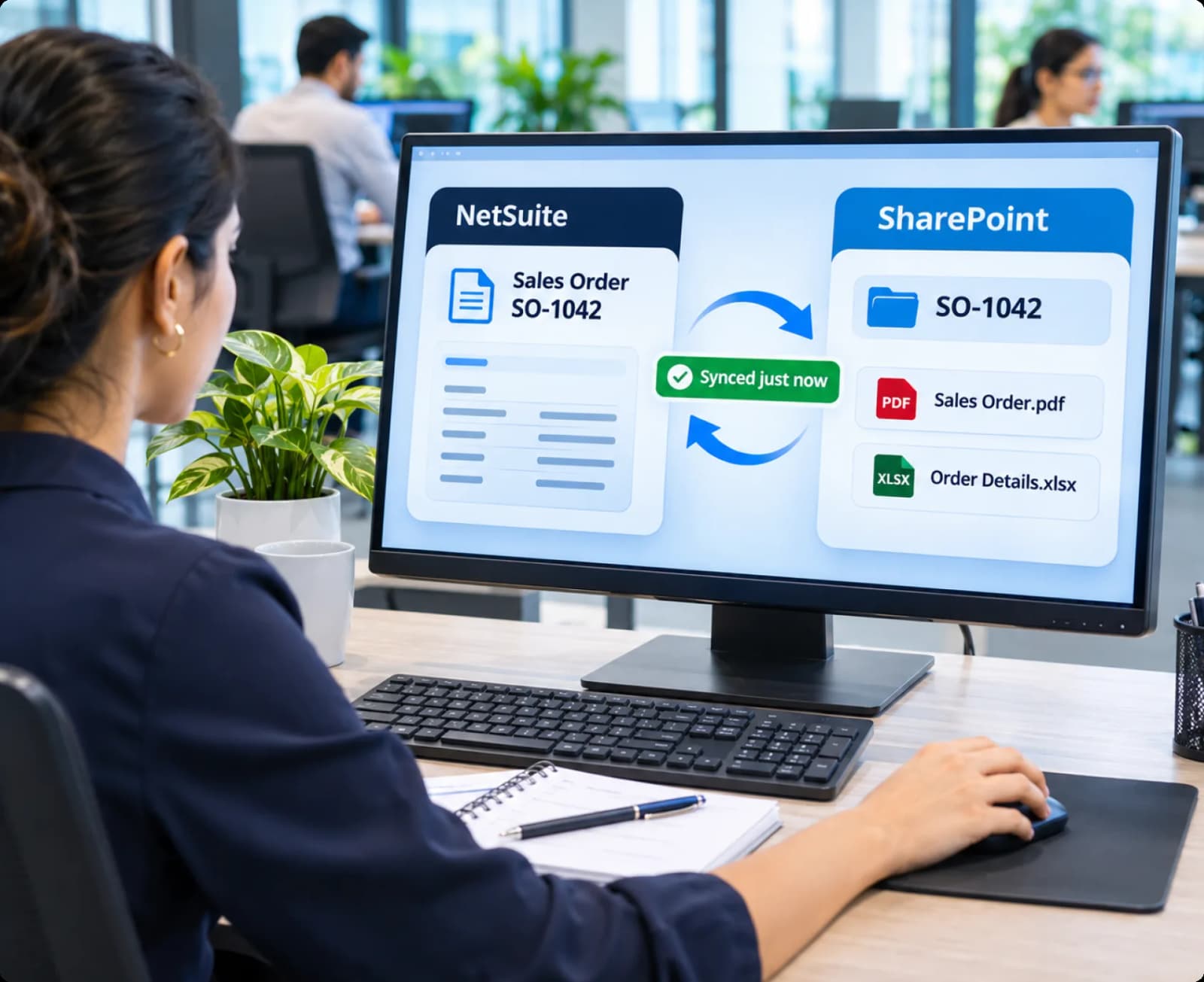
Supports two-way synchronization between NetSuite and SharePoint for supported records, documents, and business information.

Custom Mapping and Workflows
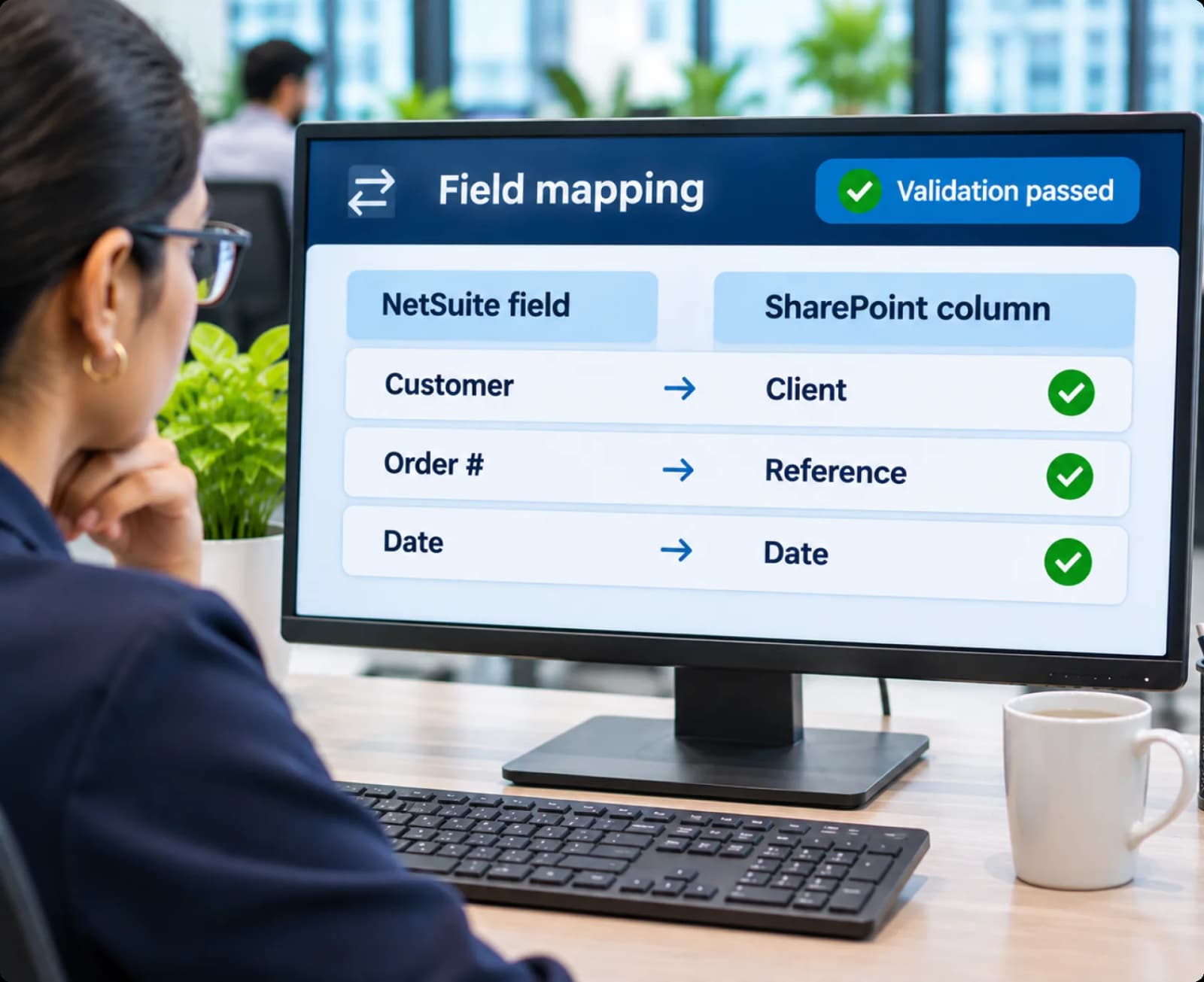
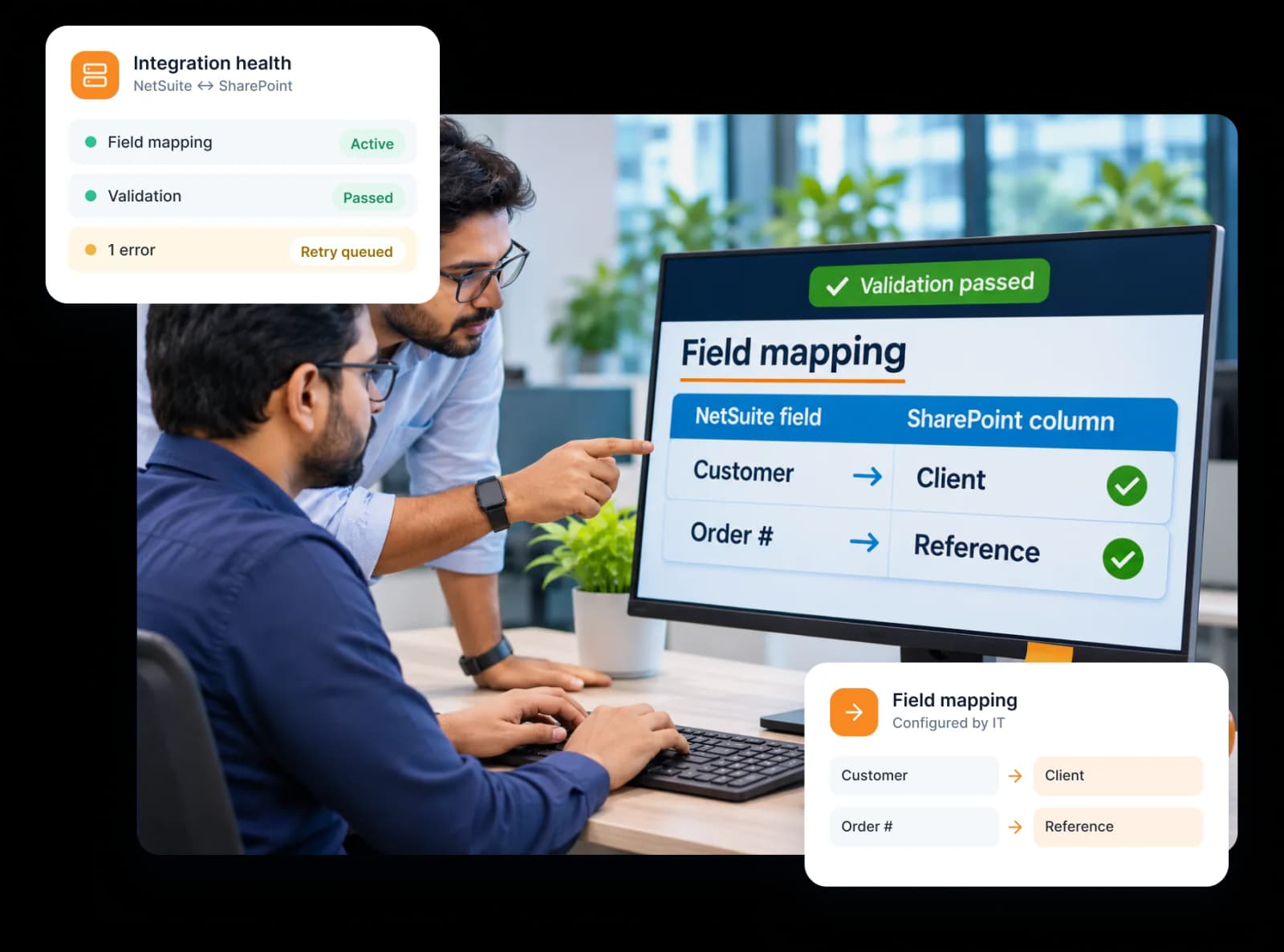
Configure field mapping and workflows around your business requirements to support connected document management processes.

Error Handling and Validation
Use validation and error-handling processes to help maintain data accuracy and identify integration issues.

Secure Integration
Support secure data exchange through enterprise-grade authentication and encryption, as described in the LSTDrive product overview.

Centralized Document Access
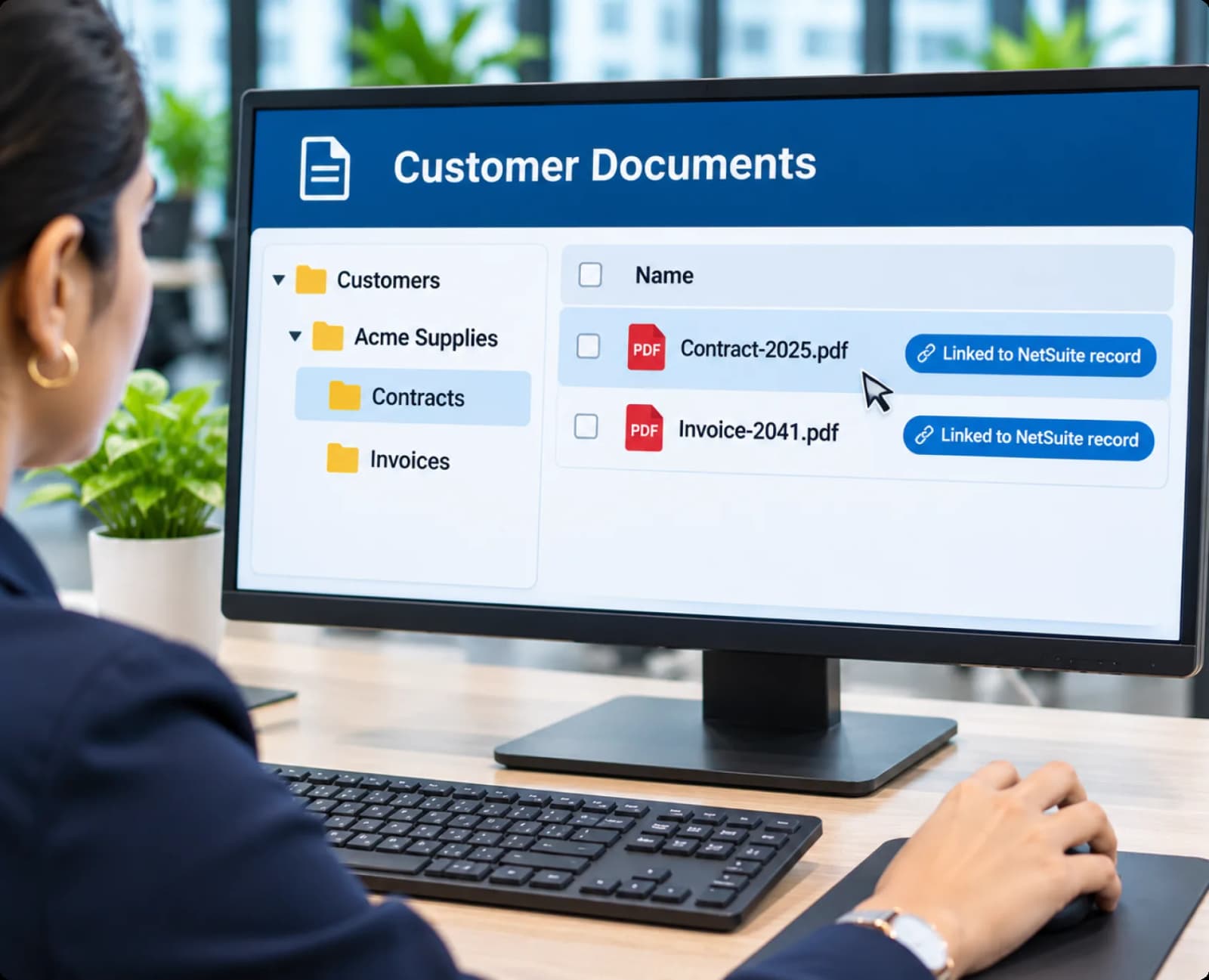
Manage business documents in SharePoint and link them to relevant NetSuite records, helping teams find associated files more easily.

Workflow Automation
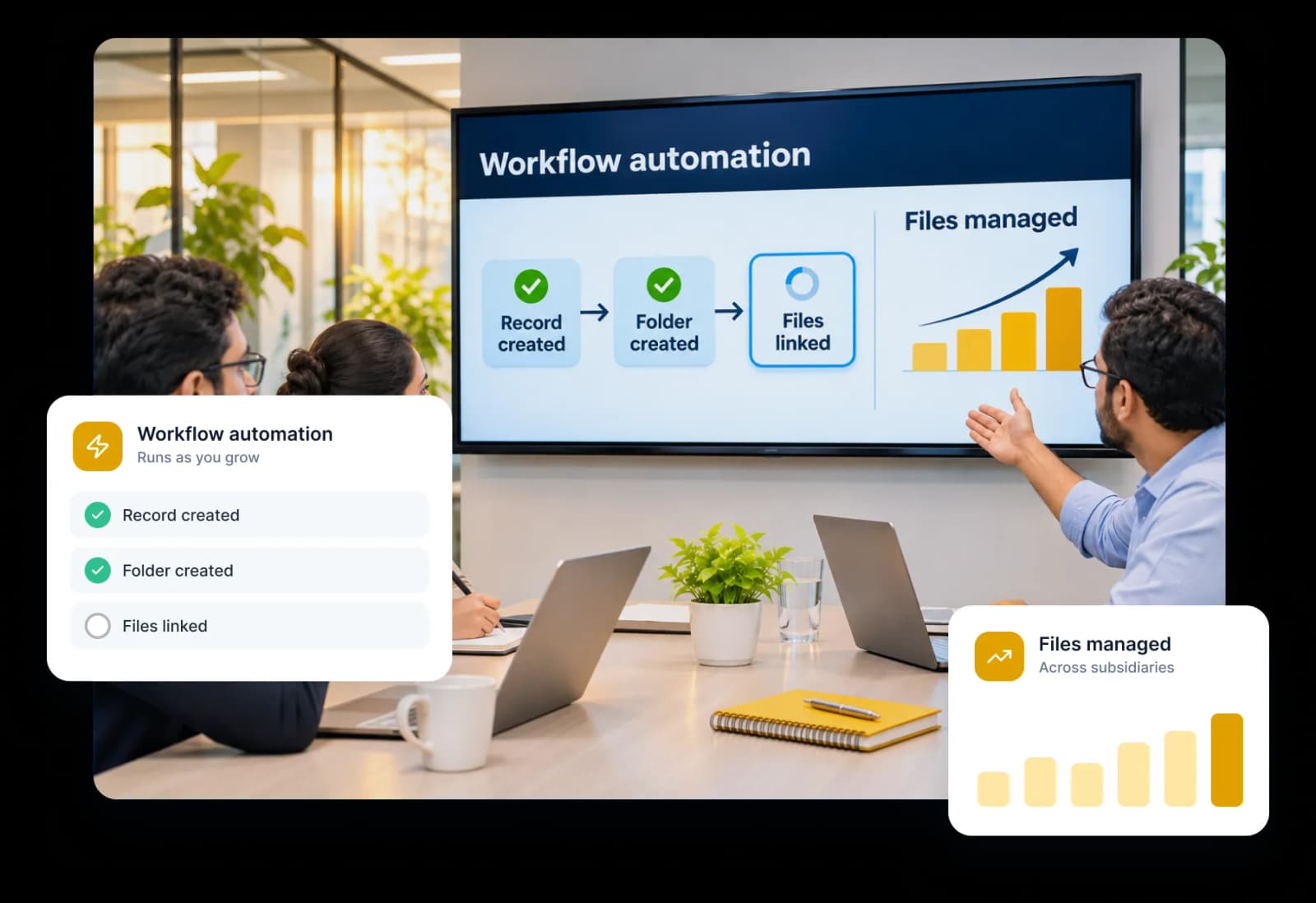
Reduce repetitive manual document handling by connecting supported NetSuite and SharePoint workflows.
Benefits of NetSuite and SharePoint Integration


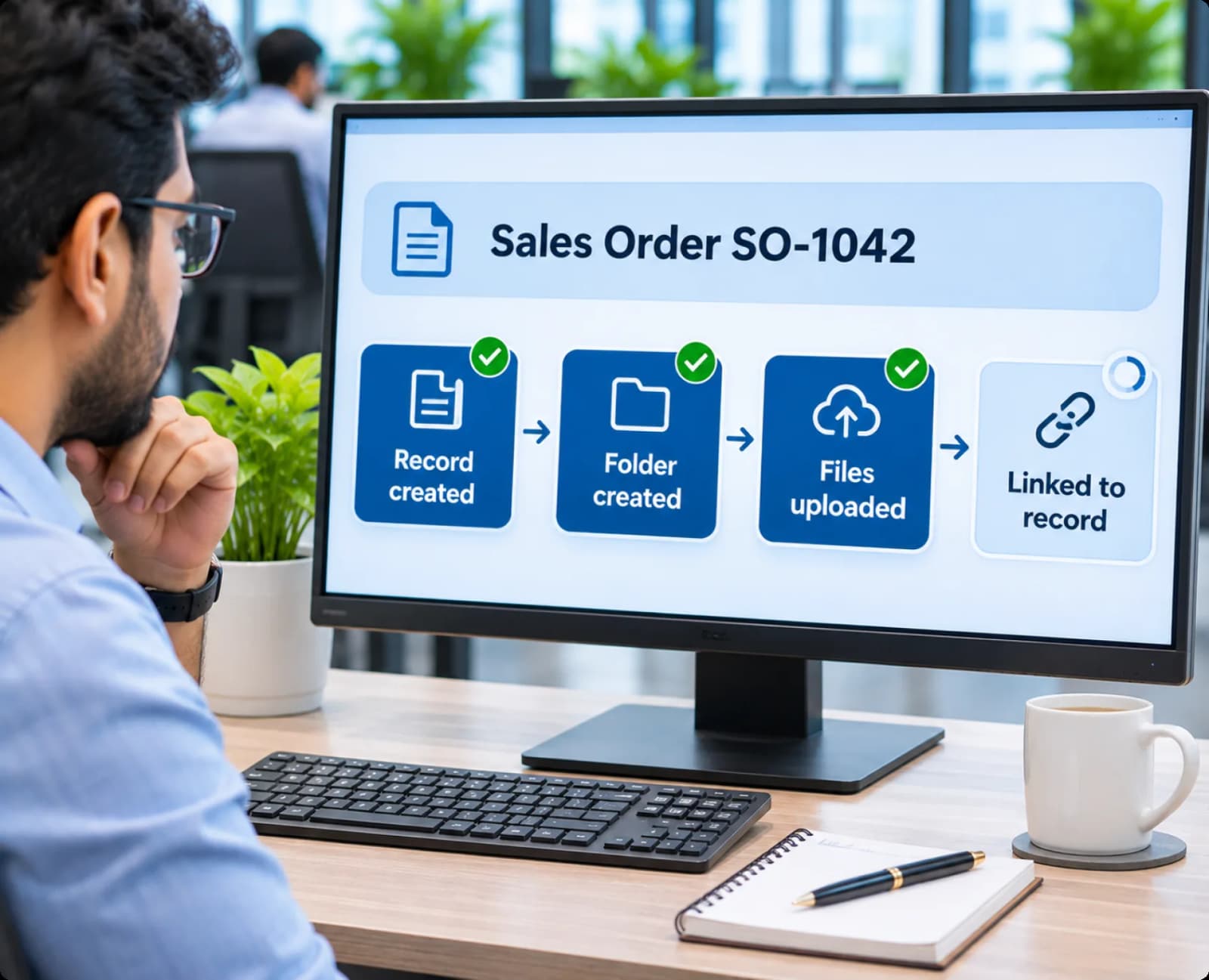
How Does LSTDrive Work?
- Step 1
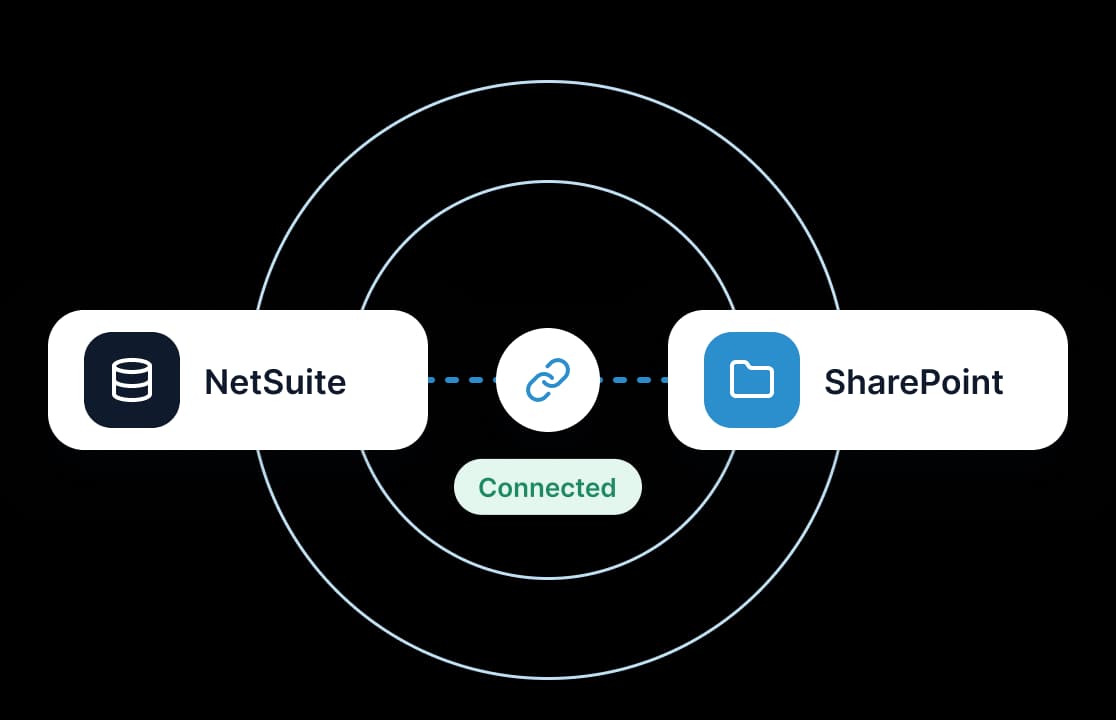
Connect NetSuite and SharePoint
Establish the integration between your NetSuite environment and Microsoft SharePoint.
- Step 2
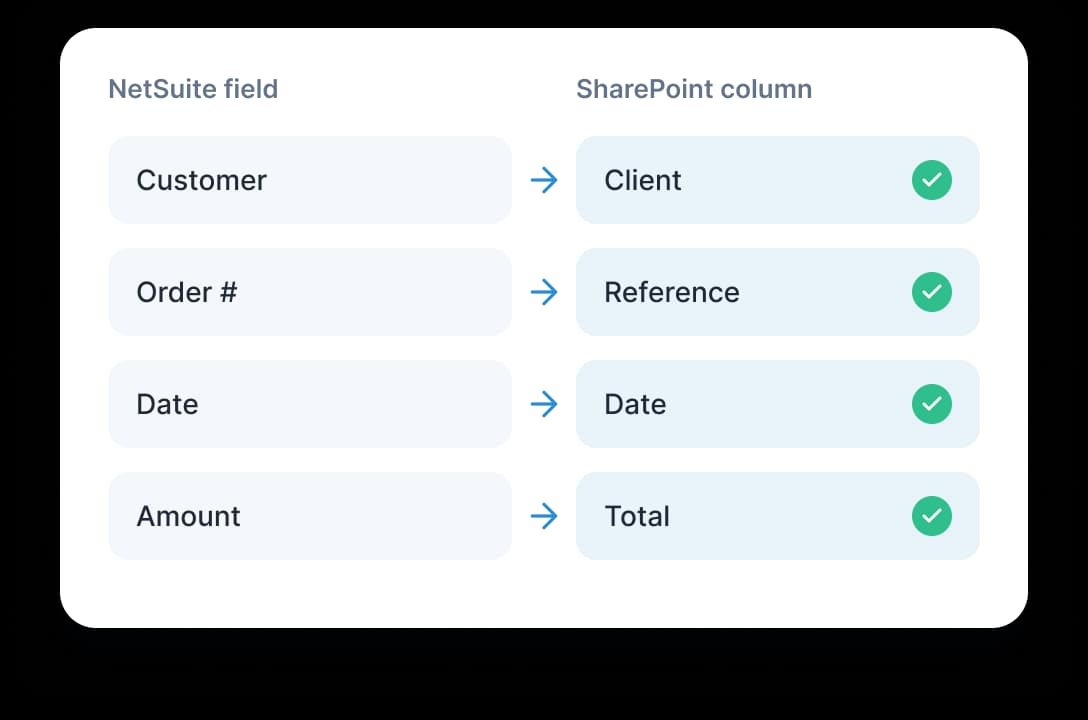
Configure Data Mapping
Map supported records, fields, and documents according to your business requirements.
- Step 3
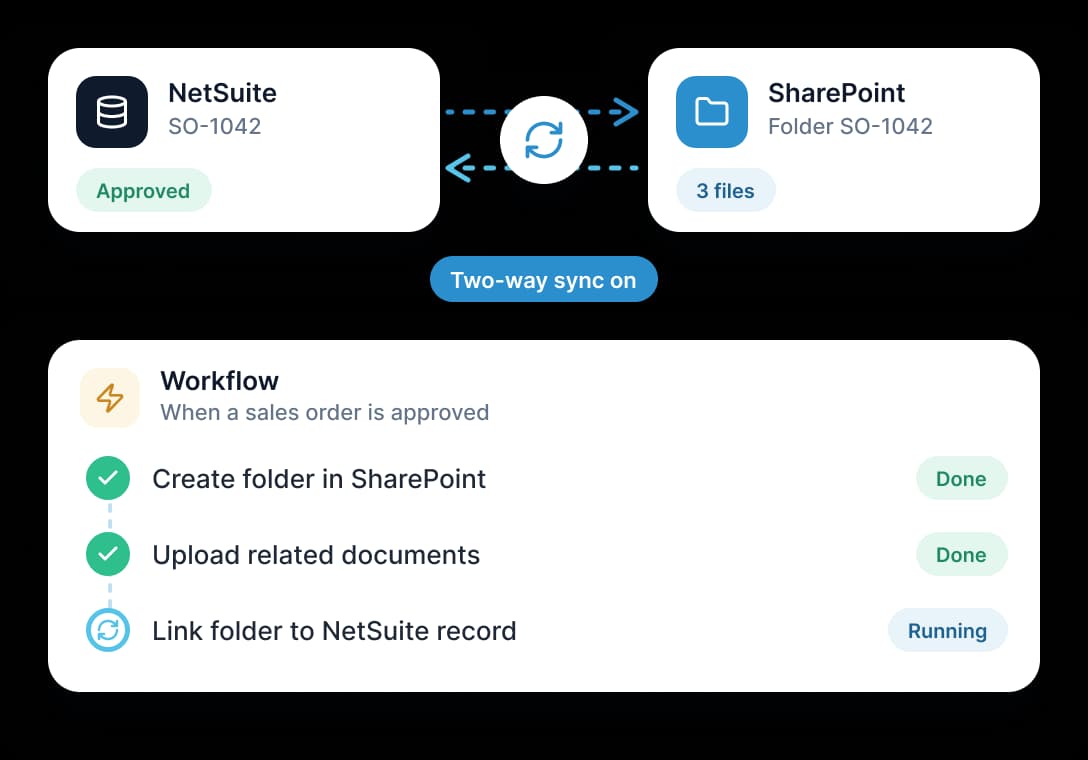
Set Up Synchronization and Workflows
Configure the supported synchronization and workflow processes required by your business.
- Step 4
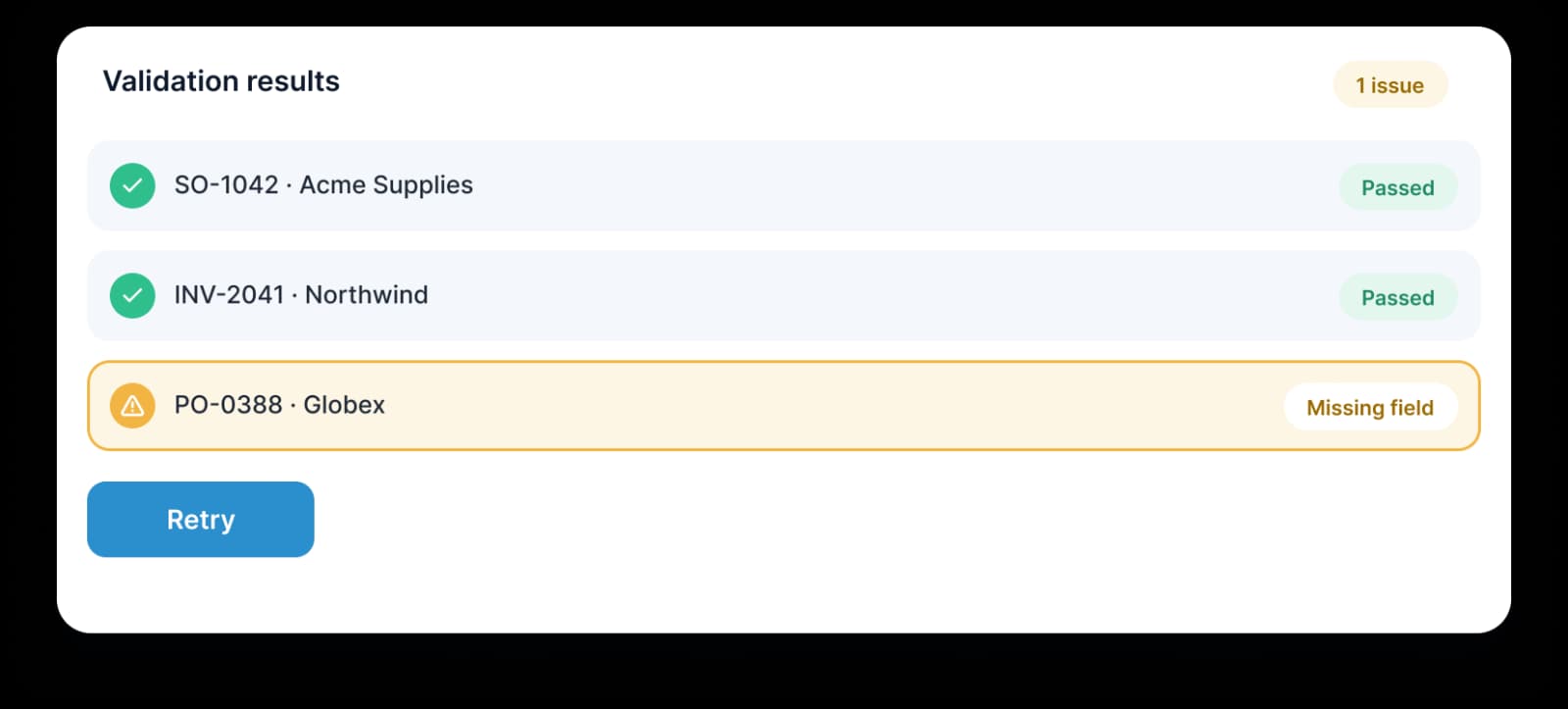
Validate Data and Handle Errors
Use validation and error-handling processes to identify issues and support accurate data exchange.
- Step 5
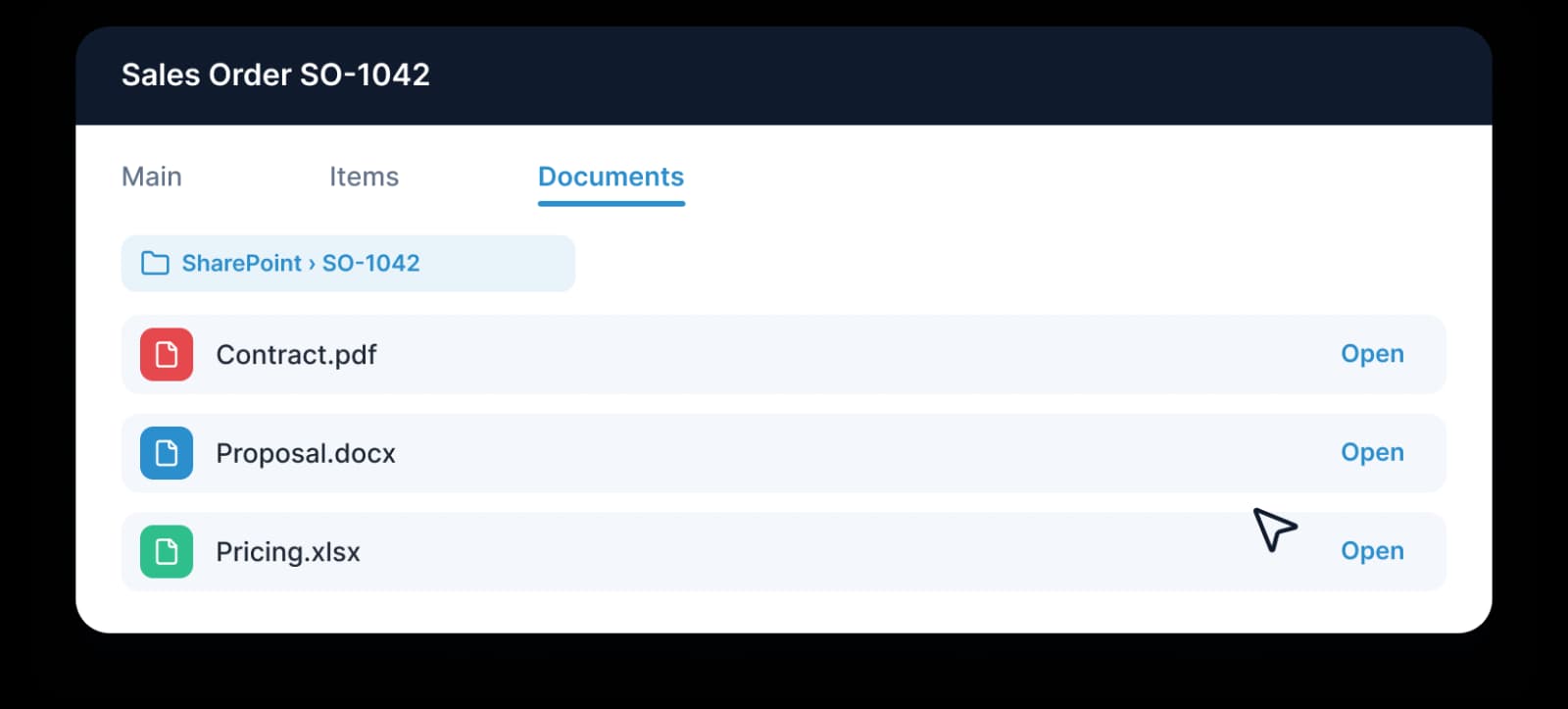
Access Connected Documents
Help users access SharePoint documents associated with relevant NetSuite records through the configured integration.
Why Choose LST Consultancy for LSTDrive?


NetSuite Integration Expertise
LST Consultancy provides NetSuite integration services to help connect business applications and workflows.

Business-Focused Configuration
We consider your existing systems, document processes, and operational requirements when planning an integration.

Structured Implementation
Our approach covers integration planning, configuration, mapping, validation, and deployment according to project scope.

End-to-End Support
LST Consultancy can support your integration project from initial discussions through implementation and post-launch support.

Designed Around Your Requirements
Explore an integration approach aligned with your NetSuite environment, SharePoint setup, and document management needs.
Who Can Benefit from LSTDrive?
LSTDrive may be suitable for businesses that use Oracle NetSuite and Microsoft SharePoint and want to improve how they manage connected business documents.

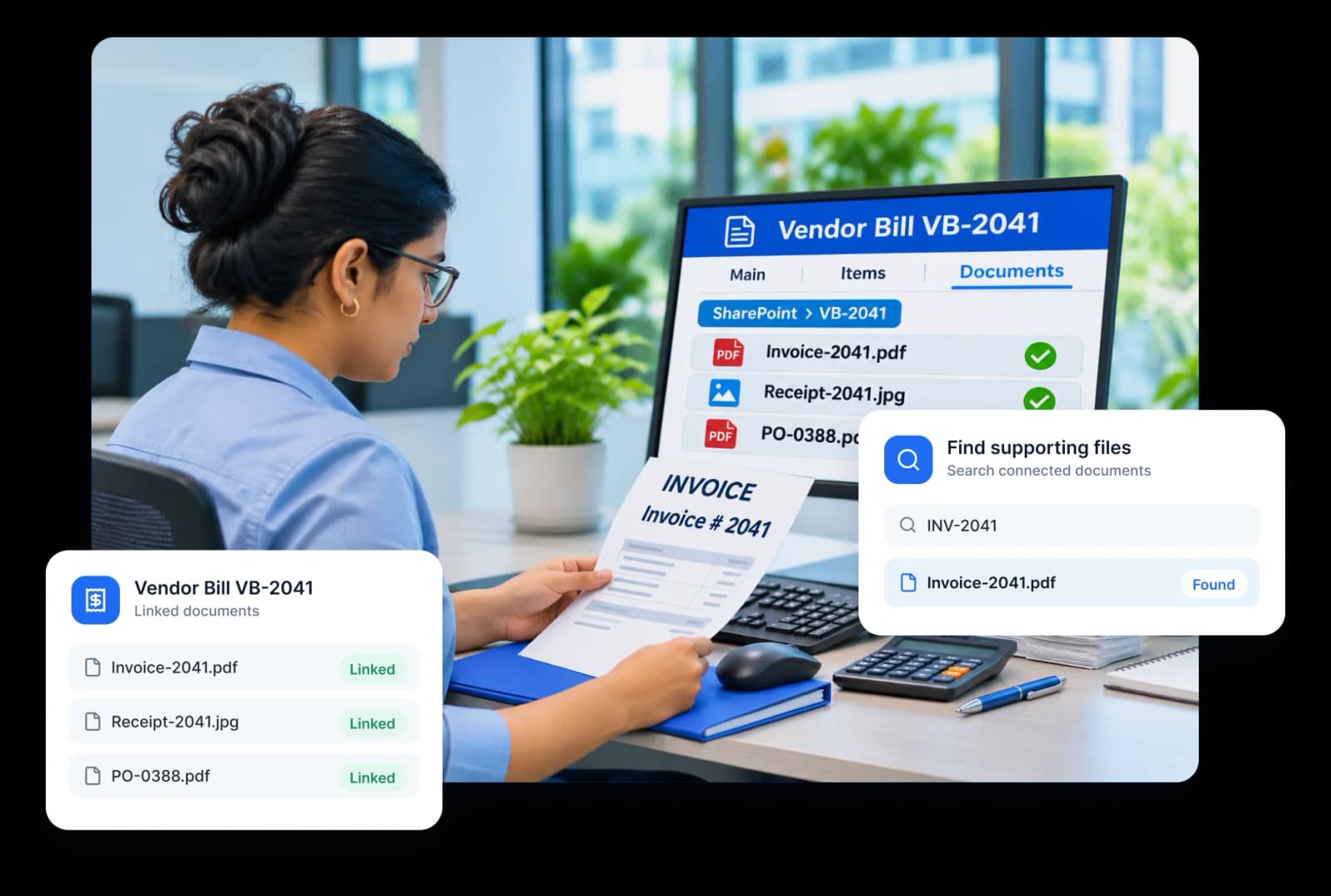
Keep invoices, receipts, and other supporting documents connected to the business records you manage in NetSuite, so the right files are easier to find when you need them.

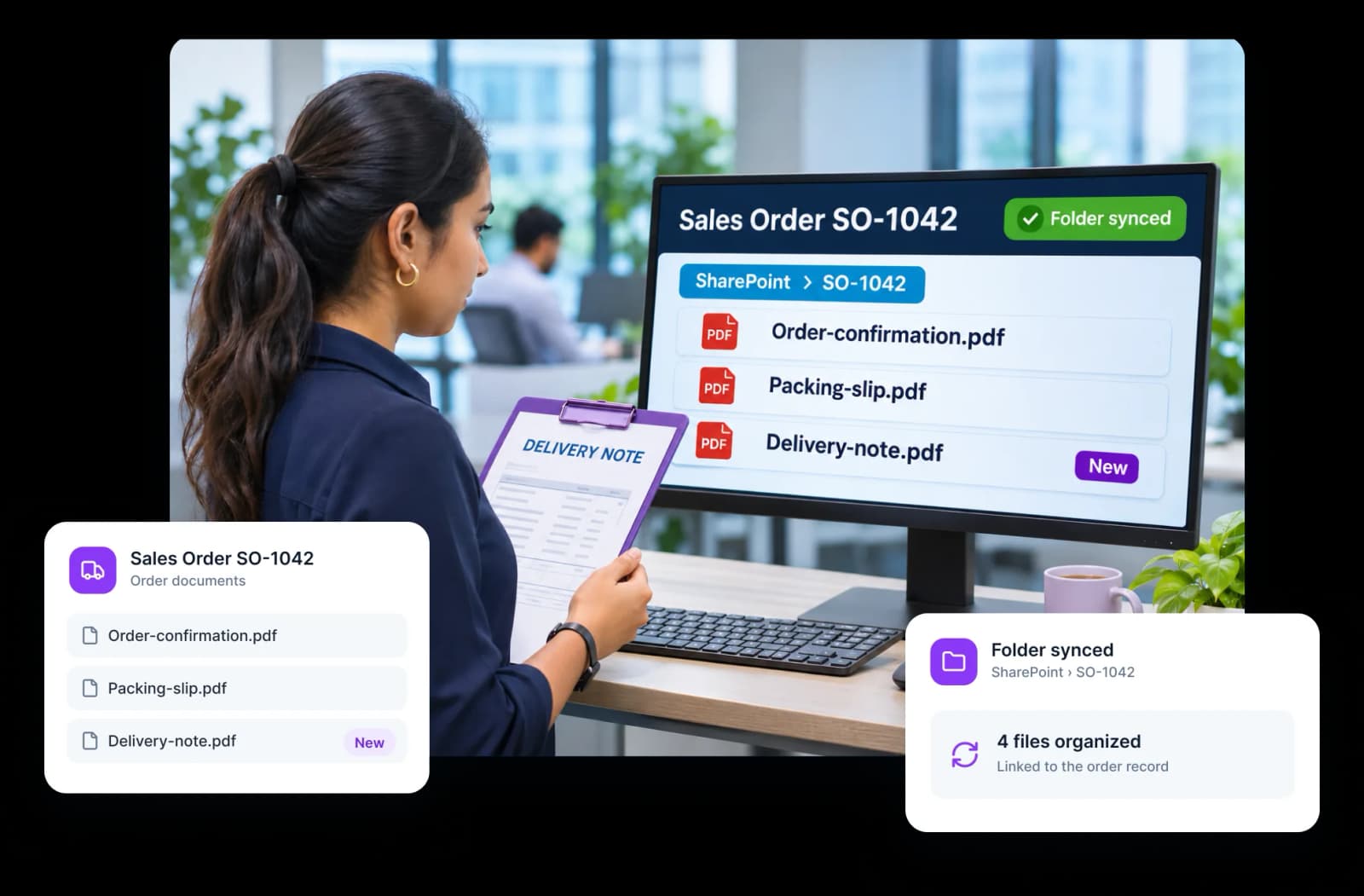
Work with documents linked directly to ERP transactions, so orders, deliveries, and related files stay organized around the records they belong to.

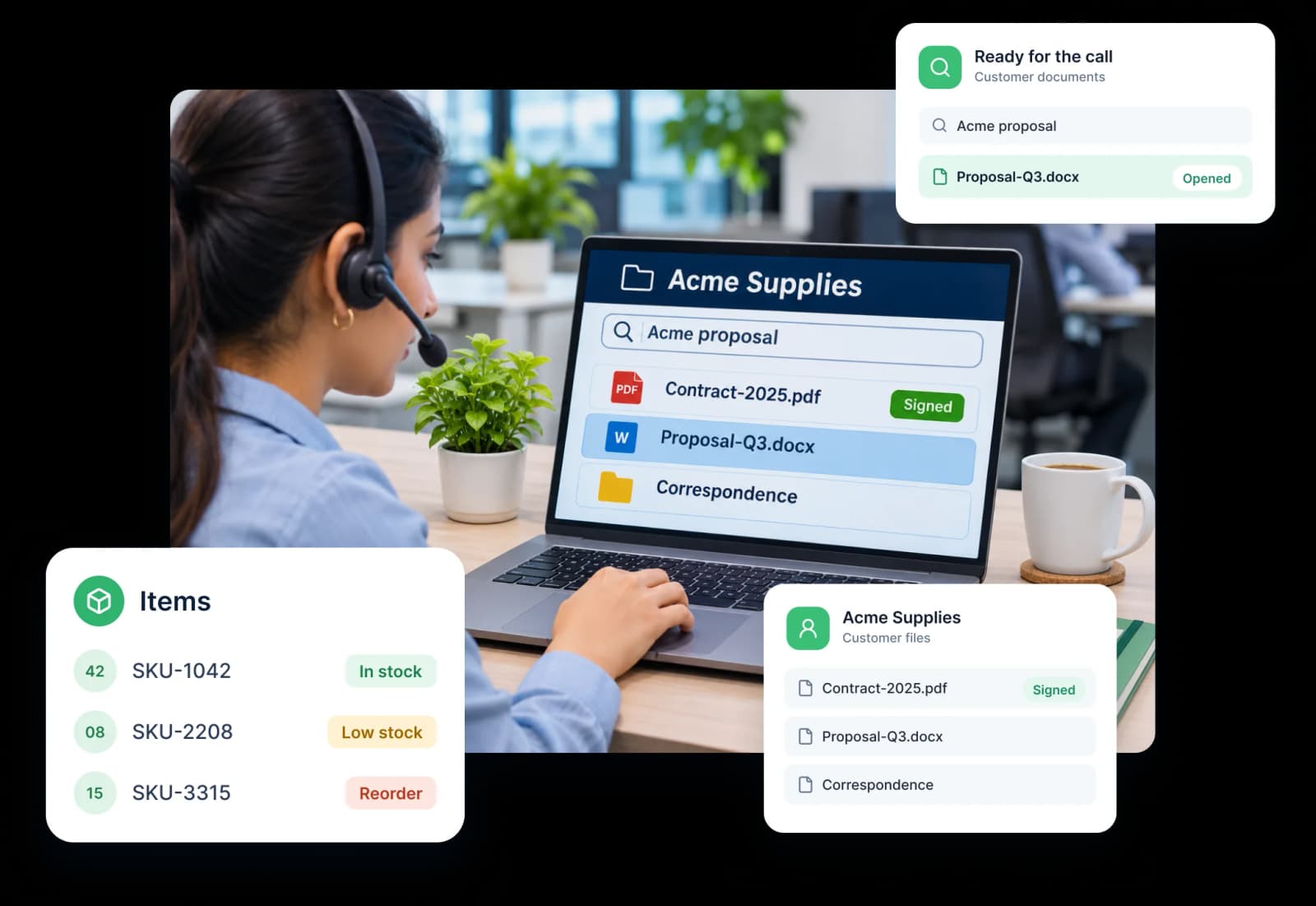
Access customer-related files such as contracts, proposals, and correspondence from a central location, so you can respond with the right information.

Manage connected business applications through a configured integration, with mapping, validation, and error handling that support a more controlled data exchange.

For organizations seeking more coordinated document management and workflow automation across ERP and document management environments.
The suitability of specific workflows depends on your systems, configuration, and integration requirements.
Frequently Asked Questions
Find answers to common questions about LSTDrive.

Still have questions?
Can't find the information you're looking for? Talk to our team about your specific requirements.
LSTDrive is a NetSuite SharePoint integration from LST Consultancy. It connects Oracle NetSuite with Microsoft SharePoint so documents are stored in SharePoint and linked to the NetSuite records they belong to, with two-way synchronization, custom field mapping, validation and error handling.
It links the two systems so business documents and the records they relate to stay together. Files such as invoices, contracts and proposals live in SharePoint, are associated with records like transactions, customers and vendors in NetSuite, and supported information is kept in sync between both platforms.
Bi-directional synchronization, custom mapping and workflows, error handling and validation, secure integration, centralized document access, and workflow automation that reduces repetitive manual document handling.
Yes. LSTDrive supports two-way synchronization between NetSuite and SharePoint for supported records, documents and business information. Which records and fields sync, and in which direction, is set during configuration to match your requirements.
Documents are organized in SharePoint and linked to the relevant NetSuite records, so teams can find associated files from one place instead of searching across email, local drives or attachments. Keeping files in SharePoint can also take pressure off the NetSuite File Cabinet.
Yes. LSTDrive supports secure data exchange between NetSuite and SharePoint using enterprise-grade authentication and encryption. Access to documents continues to follow the permissions you manage in each platform.
Yes. Field mapping, folder structure, synchronization and workflows are configured around your NetSuite environment, SharePoint setup and document processes, so the integration fits how your teams already work.
Request a product demo or contact LST Consultancy. We’ll review your NetSuite environment, SharePoint setup and document workflows, then outline how LSTDrive could be configured for your business.
Request a product demoConnect NetSuite and SharePoint With LSTDrive
Bring your business records and documents closer together with a connected document management workflow.
LST Consultancy can help you explore how LSTDrive fits your NetSuite and Microsoft SharePoint environment.