
Convert Your NetSuite SuiteBundle into a SuiteApp
Make your NetSuite customizations easier to manage and maintain with SuiteApp development services from LST Consultancy.
We help businesses assess existing SuiteBundles, develop and test SuiteApps using the SuiteCloud Development Framework (SDF), and manage deployment based on their technical and business requirements.
Talk to an expert
Why Consider SuiteApp Development?
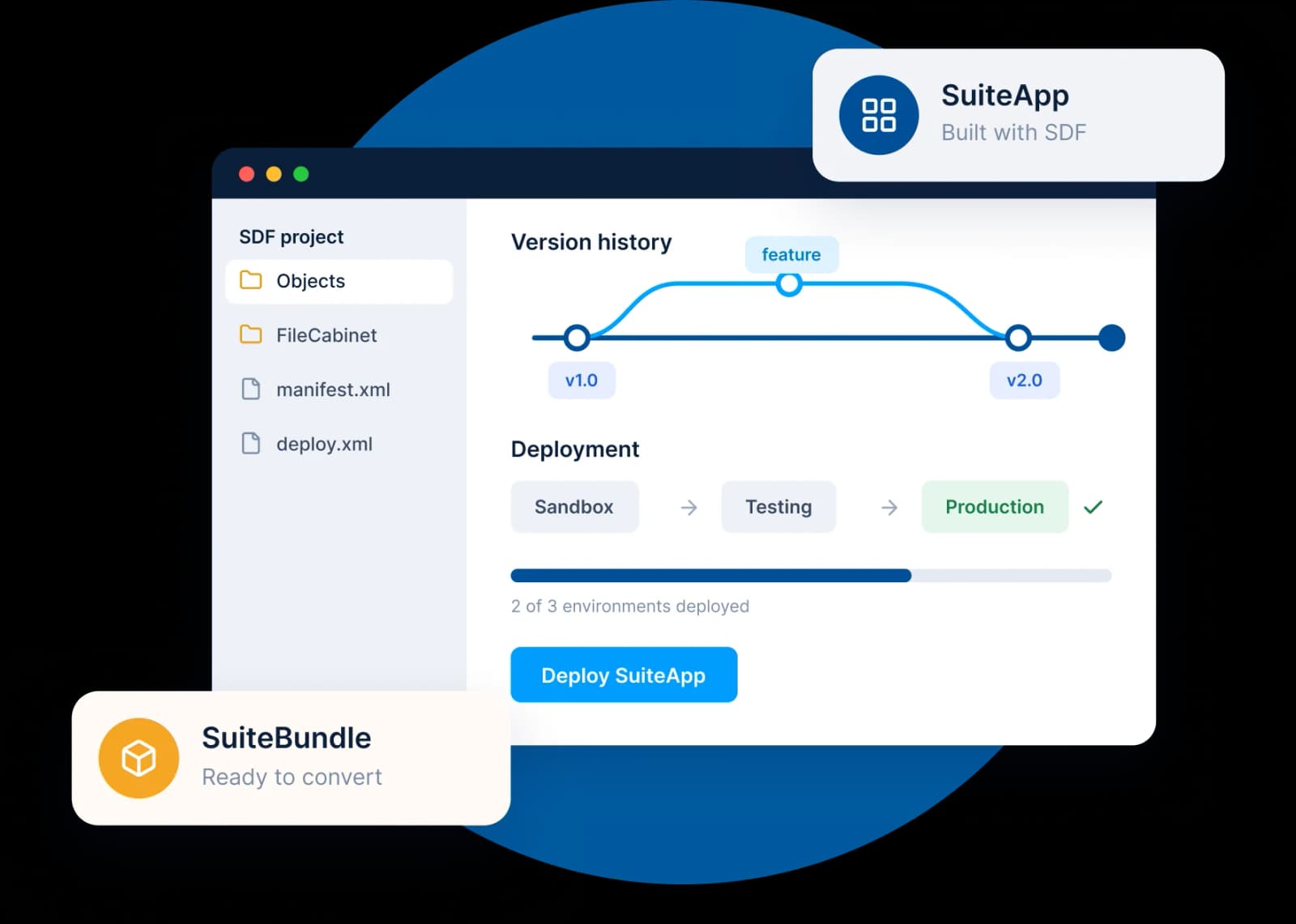
As your business grows, your NetSuite customizations may need more flexibility and structured development. SuiteApps built using the SuiteCloud Development Framework (SDF) support version control and deployment management for compatible customizations.
LST Consultancy helps assess your existing SuiteBundle and identify the right approach to SuiteApp development based on your business needs.
Why Convert Your SuiteBundle to SuiteApp?
LST Consultancy assesses your existing SuiteBundle and helps determine whether SuiteApp development is suitable for your NetSuite environment.

Support Business Growth and Scalability
Adapt your NetSuite customizations to evolving business needs, including new workflows, integrations, and functionality.

Manage Customizations More Effectively
Use SDF development and version control to manage compatible customizations across development, testing, and deployment environments.

Use Advanced Development Tools
Use NetSuite technologies such as SuiteScript, SuiteFlow, and RESTlets to support custom business logic, workflows, and integrations.

Prepare for Evolving NetSuite Requirements
Adopt a structured approach to developing, deploying, and maintaining custom applications as your business needs change.
SuiteBundle vs. SuiteApp : Understanding the Difference
SuiteBundles and SuiteApps serve different purposes within the NetSuite ecosystem. The right approach depends on the type of customization, deployment requirements, and long-term maintenance needs.
| Feature | SuiteBundle | SuiteApp |
|---|---|---|
 Customization | Packages supported NetSuite components and configurations | Supports advanced custom application development using SDF |
 Version Management | Depends on the bundle and deployment approach | Supports structured version control through SDF |
 Updates | Updates require careful review of their impact on existing configurations | Supports managed development and deployment workflows |
 Scalability | Suitable for many existing customization and distribution requirements | Can support more complex and evolving customization requirements |
 Deployment | Used to distribute and install packaged components | Supports structured deployment across suitable NetSuite environments |
 Development Approach | Managed through SuiteBundler capabilities | Uses SDF-based development and related tools |

Important: SuiteBundles remain a supported NetSuite mechanism. Conversion should be based on your existing implementation, technical requirements, and the capabilities needed for future development, not on an assumption that every SuiteBundle must be converted.
Our SuiteBundle to SuiteApp Conversion Process
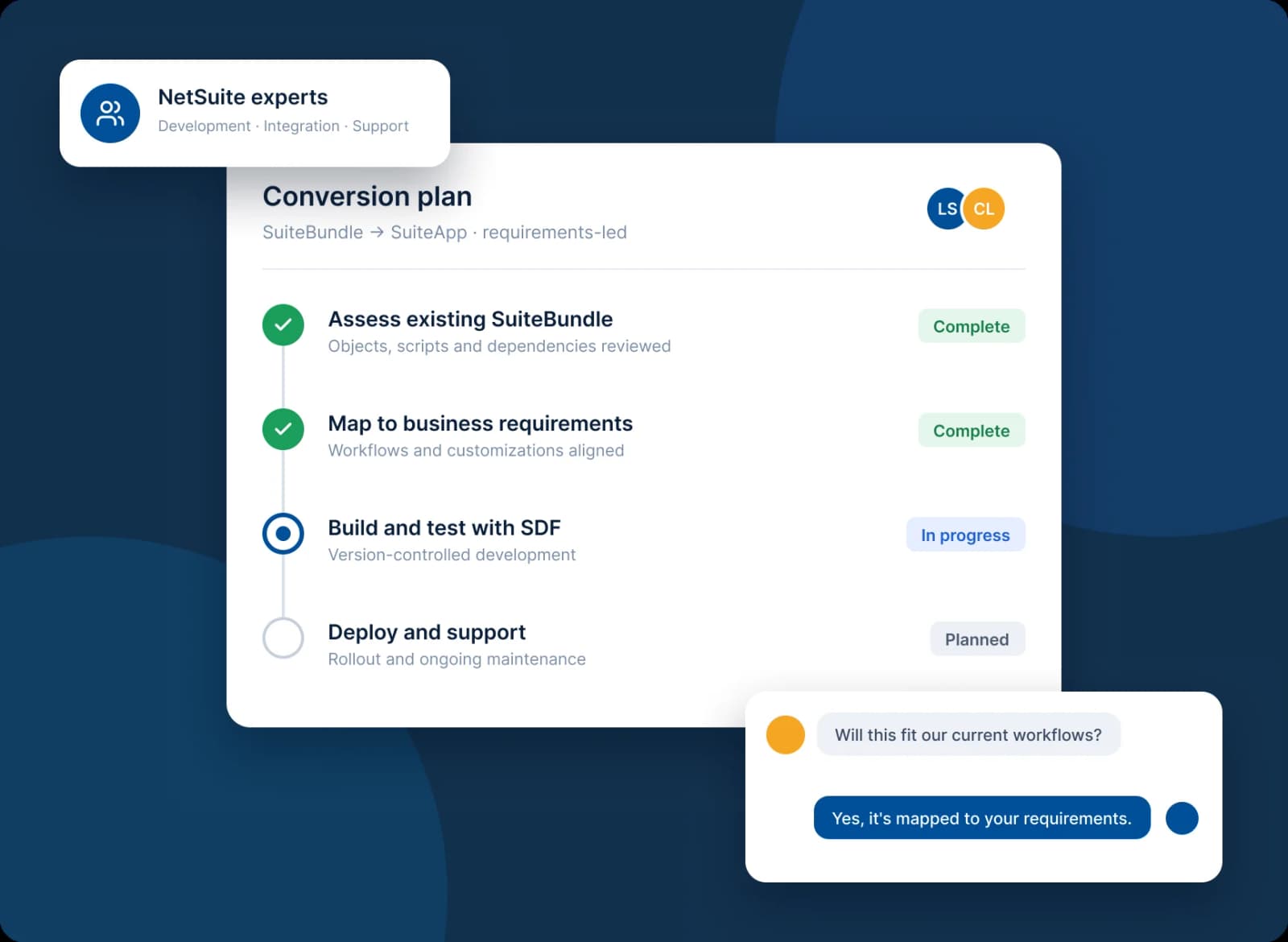
LST Consultancy follows a structured process to assess, develop, test, and deploy SuiteApps based on your business requirements.
 1
Consultation and Assessment
Review your existing SuiteBundle, components, and business requirements to plan the conversion.
 2
Customization and Development
Develop the SuiteApp using suitable NetSuite tools and the SuiteCloud Development Framework (SDF).
 3
Testing and Quality Assurance
Test functionality against agreed requirements and identify issues before deployment.
 4
Deployment and Integration
Plan deployment, review dependencies, and address integration requirements for a controlled rollout.
 5
Ongoing Support and Maintenance
Get support with troubleshooting, updates, and maintenance as your business needs evolve.
Key Features of SuiteApp Development

Advanced Customization and Integration
Extend NetSuite with custom business logic, workflow automation, and integrations tailored to your operational needs.

Version Control and Managed Updates
Use SuiteCloud Development Framework (SDF) to track changes, manage versions, and review updates before deployment.

Multi-Account Development and Deployment
Develop SuiteApps for supported NetSuite accounts and environments, including development, testing, and production.

Structured Development and Quality Practices
Follow organized development, testing, deployment, and security practices to support reliable custom NetSuite applications.
Why Choose LST Consultancy for SuiteBundle to SuiteApp Conversion?
NetSuite Development Expertise
Leverage LST Consultancy’s NetSuite implementation, customization, integration, and support expertise to plan your conversion.
Business-Focused Customization
We assess your existing SuiteBundle and requirements to align SuiteApp development with your business goals.
Support Across the Conversion Process
Get support across assessment, development, testing, deployment, and ongoing maintenance based on your project scope.
Solutions Designed Around Your Requirements
We consider your NetSuite environment, customization needs, and future plans to help determine the right conversion approach.
Frequently Asked Questions
A SuiteBundle packages NetSuite customizations such as custom records, fields, scripts and workflows so they can be installed in other accounts with SuiteBundler. A SuiteApp is a custom application built as a project with the SuiteCloud Development Framework (SDF), which lets you keep its objects and files in source control and deploy them to development, testing and production accounts in a controlled way.
Conversion can make sense when a bundle is growing, changes often, or is installed in several accounts. Moving it into an SDF project gives you version control, repeatable deployments and a clearer development and testing process. If a bundle is small and stable, it may be fine to keep it as it is.
Not always one to one. Most bundled objects, scripts and files can be brought into an SDF project, but some object types, settings or dependencies on other bundles may need to be recreated, handled manually or redesigned. The assessment identifies these before any development starts.
SDF is Oracle NetSuite's development framework for building customizations as projects outside the NetSuite UI. Objects, scripts and files are stored as XML and source files with a manifest and deploy file, so they can be versioned in tools such as Git, validated, and deployed to accounts with the SuiteCloud CLI or IDE plug-ins.
NetSuite SuiteScript customization guideSuiteApps are typically built with the SuiteCloud CLI or the SuiteCloud extension for Visual Studio Code, together with SuiteScript 2.x, SuiteFlow workflows, RESTlets and SuiteTalk web services where integrations are needed. A source control system such as Git and separate sandbox or development accounts are used for testing.
It depends on the size and complexity of the bundle, the number of scripts and dependencies, and how much testing is needed. A small bundle can take a few weeks, while larger or heavily customized bundles take longer. We give a timeline after the initial assessment.
The conversion is developed and tested in sandbox or development accounts first, and the production deployment is planned with you, so disruption to day-to-day operations is kept to a minimum.
Yes. Because a SuiteApp is an SDF project, the same project can be deployed to development, sandbox and production accounts, and to other supported NetSuite accounts, with account-specific values handled during deployment.
Yes. We can provide ongoing support for troubleshooting, updates, enhancements and maintenance after deployment, based on the agreed project scope.
NetSuite administration servicesContact LST Consultancy with details of your bundle and what you want it to do. We start with an assessment of its components and your requirements, then recommend whether to convert and how.
Contact LST ConsultancyReady to Convert Your SuiteBundle into a SuiteApp?
Your existing NetSuite customizations can be a starting point for a more structured and adaptable solution.
LST Consultancy can help you assess your current SuiteBundle, understand your SuiteApp development options, and plan the next steps based on your business requirements.