
How to Create a SuiteBundle in NetSuite
NetSuite SuiteBundles help package and distribute customizations across accounts. They can include custom records, fields, forms, scripts, workflows, dashboards, and supported configurations.
LST Consultancy provides NetSuite SuiteBundle creation, distribution, installation, and support services to help manage your customization needs.
Contact LST Consultancy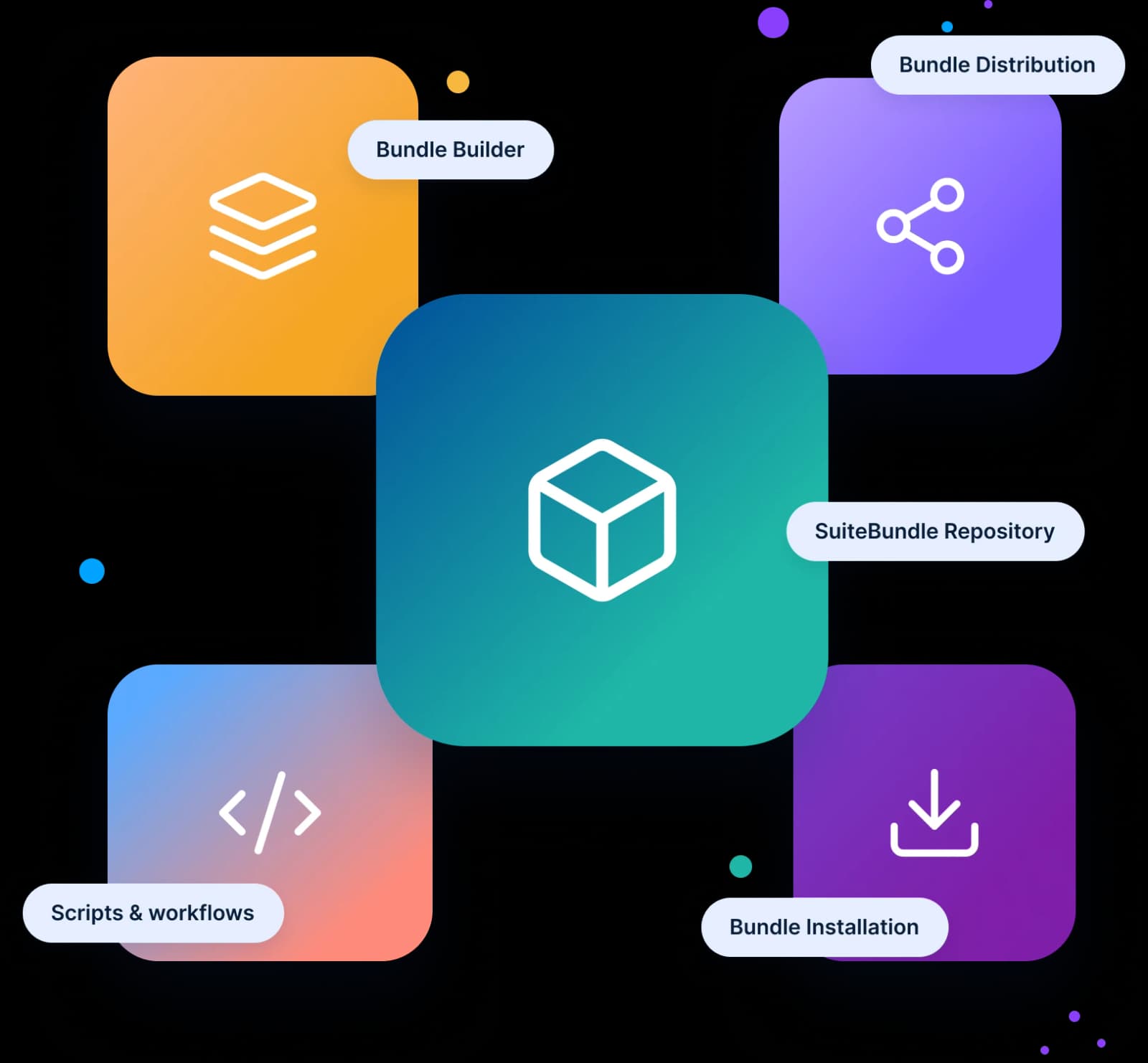
What Is a NetSuite SuiteBundle?
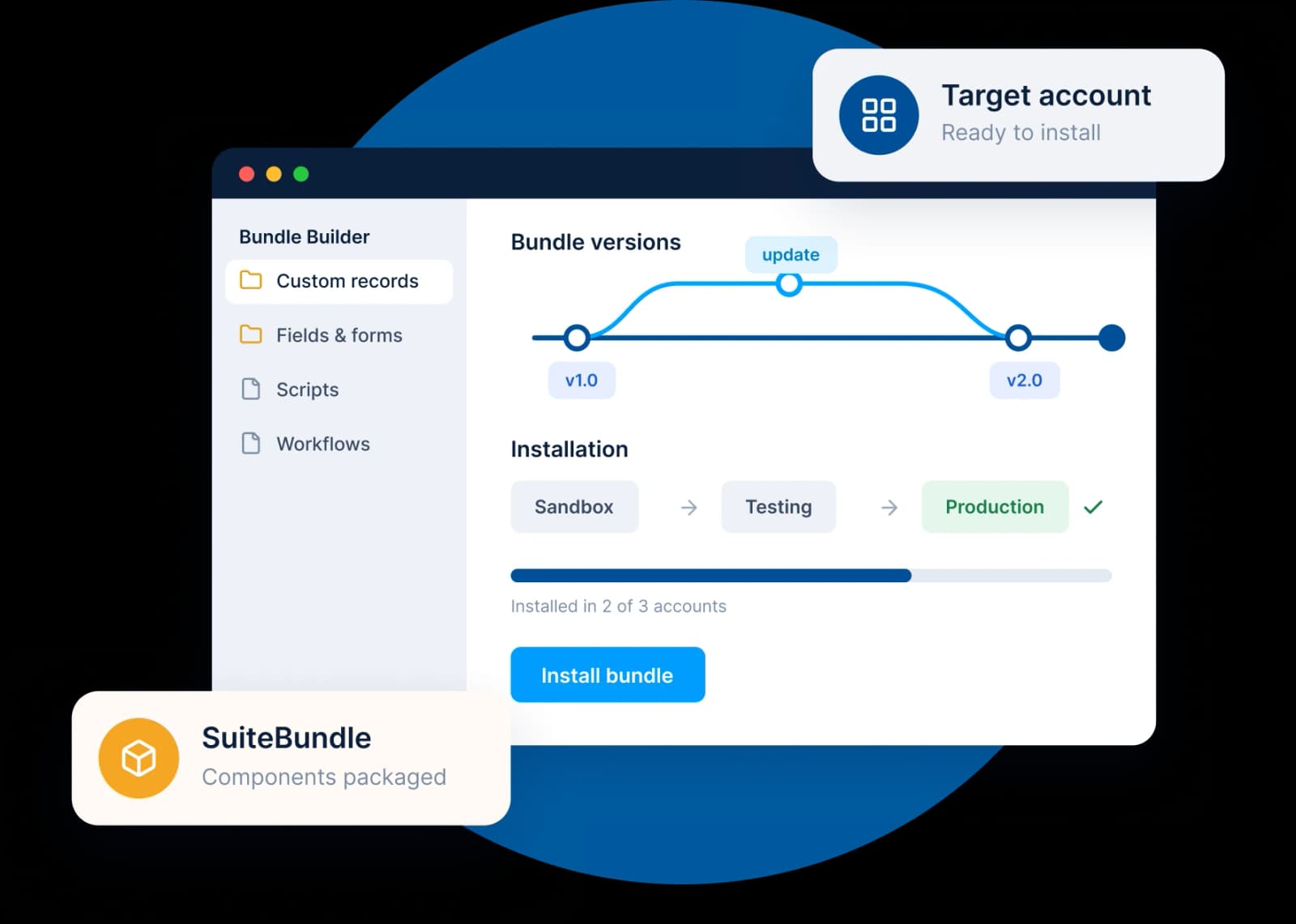
A NetSuite SuiteBundle is a package of supported components and customizations that can be installed in another NetSuite account. It may include custom records, fields, forms, scripts, workflows, dashboards, and configurations.
SuiteBundles help businesses reuse customizations, transfer components between environments, and distribute packaged solutions.
For example, developers can bundle supported fields, workflows, and scripts from a sandbox account and install them in a target account, subject to compatibility requirements.
Types of NetSuite SuiteBundles
NetSuite bundles can include different types of components depending on the purpose of the package and the supported configuration.
 Type 1
Customization Bundle
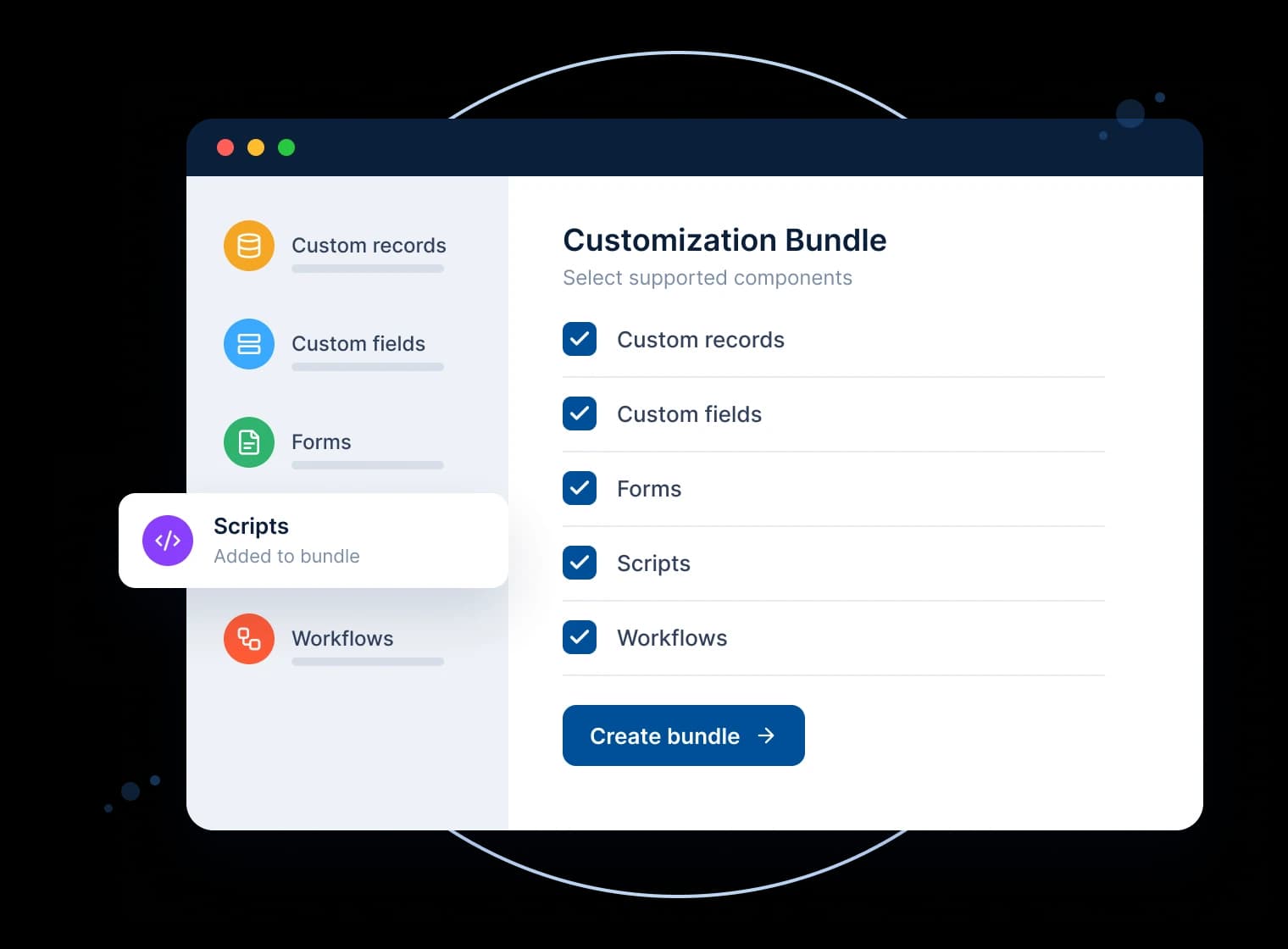
A customization bundle contains supported custom components developed to meet specific business requirements. These may include custom records, fields, forms, scripts, workflows, and other supported customizations.
Businesses can use customization bundles to move selected customizations between accounts or share reusable functionality, subject to component dependencies and compatibility.
Common use cases:
 Moving supported customizations between sandbox and production environments
- Distributing reusable scripts and workflows
- Packaging custom fields, forms, and records
- Sharing a set of custom components with another NetSuite account
 Type 2
Configuration Bundle
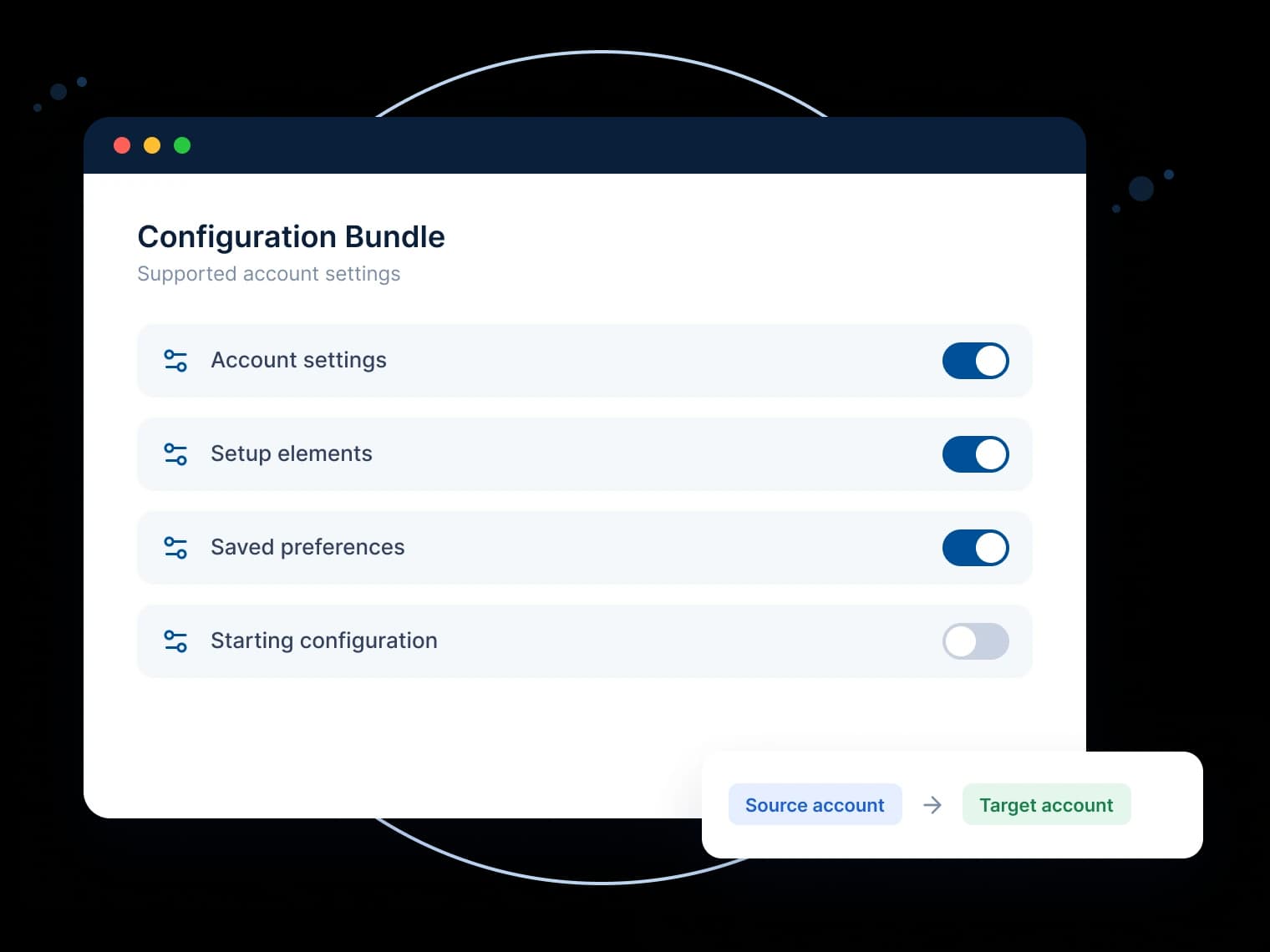
A configuration bundle packages supported account settings and configurations for use in another NetSuite account.
Depending on the components supported by NetSuite, this may help businesses standardize selected setup elements or prepare a consistent starting configuration for an account.
Common use cases:
- Reusing supported configuration settings
- Standardizing selected setup elements
- Preparing a repeatable account configuration
- Transferring supported components between suitable environments
The components available for bundling depend on NetSuite's supported bundle functionality and the configuration of the source and target accounts.
Key Components of NetSuite SuiteBundler
SuiteBundler provides functionality to create, distribute, and install bundles. Understanding these components helps businesses plan their bundle deployment process.


Bundle Builder
Helps create NetSuite SuiteBundles by selecting supported components, adding details, and configuring options such as custom fields, records, forms, scripts, and workflows.


Bundle Distribution
Controls how bundles are shared with specific NetSuite accounts or users, kept private, or made publicly available where supported.


SuiteBundle Repository
Helps users find and access available bundles, reducing the need to recreate supported customizations manually.


Bundle Installation
Adds supported components to a target NetSuite account, subject to compatibility, permissions, dependencies, and settings. Reviewing and testing bundles before production deployment helps manage risks.
How to Create a SuiteBundle in NetSuite: Step-by-Step Guide
Follow these general steps to create a SuiteBundle using NetSuite's SuiteBundler functionality. Menu names and available options may vary depending on your NetSuite account, permissions, and interface.
Sign in to the NetSuite account where the required customizations or configurations are available. Make sure you have the permissions needed to access SuiteBundler and create a bundle.
Open the relevant customization menu and navigate to SuiteBundler or the bundle creation area available in your account. The exact navigation may vary depending on your account configuration and NetSuite interface.
Provide a clear name and description for your SuiteBundle. Choose a name that helps administrators identify the purpose of the bundle and the functionality it contains.
Choose the supported components you want to package in the SuiteBundle. These may include custom records, fields, forms, scripts, workflows, dashboards, and other eligible customizations. Review the selected components carefully to ensure that the bundle contains the intended functionality.
Review the available settings and preferences for the selected components. Where applicable, determine how components should be handled in the target account. The available options depend on the component type and NetSuite's supported bundle behavior. Pay particular attention to dependencies and potential effects on existing configurations.
Save the bundle details and selected components according to the options available in your NetSuite account. Review the configuration before moving to the next stage.
Select the appropriate distribution or availability settings supported by NetSuite for your bundle. Consider who needs access to the package and whether it should be restricted to specific accounts or made available more broadly.
Check the bundle name, description, included components, and distribution settings. Review any dependencies or compatibility considerations before finalizing the package.
Complete the creation process using the options provided in your NetSuite account. After creation, review the resulting bundle and confirm that it is available as intended.
Before installing a bundle in a production environment, review its components, dependencies, and potential impact on the target account. Where appropriate, test the installation in a sandbox or other non-production environment first. Confirm that the expected functionality is available and that the installation has not affected existing business processes.
Need Assistance Creating or Installing a SuiteBundle?
Book a Consultation
Benefits of Using NetSuite SuiteBundles





Common Considerations When Creating a SuiteBundle
Creating a bundle involves more than selecting components and clicking Create. Reviewing the package before distribution can help avoid unnecessary deployment issues.
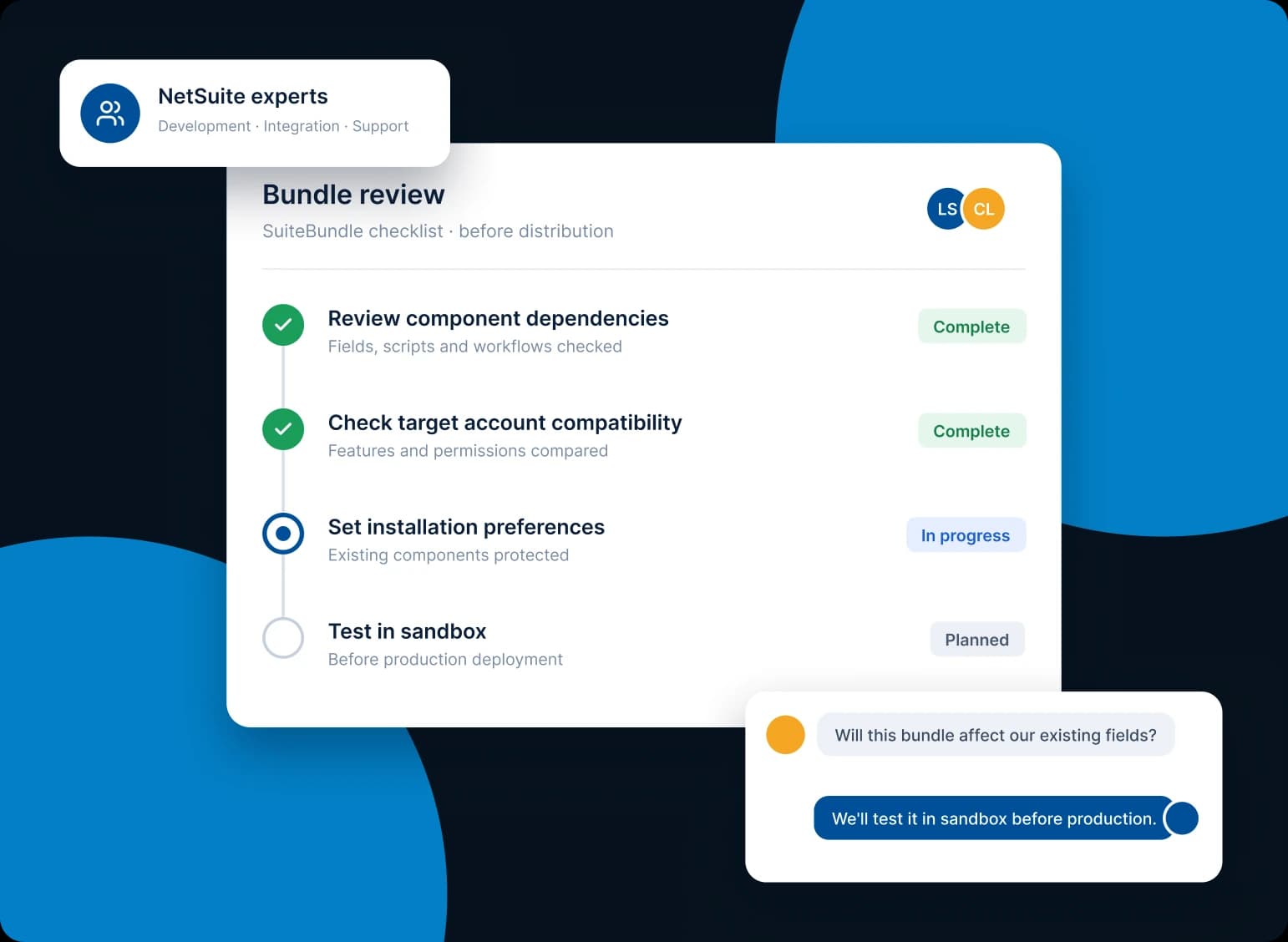
Some customizations depend on other components or configurations. Review these dependencies to ensure the target account can support the intended functionality.
The source and target accounts may differ in configuration, enabled features, permissions, or existing customizations. Check these differences before installing a bundle.
Review the available component preferences carefully. Understand how the installation may affect existing components or configurations in the target account.
Where appropriate, test the bundle in a sandbox or non-production environment before installing it in production. Confirm that the expected functionality works and existing business processes remain stable.
Document the purpose of the bundle, its included components, and any important dependencies. Clear documentation can make future maintenance and troubleshooting easier.
NetSuite SuiteBundle Creation and Support by LST Consultancy
Creating and deploying SuiteBundles requires an understanding of the existing NetSuite environment, the components being packaged, and the requirements of the target account. LST Consultancy provides NetSuite SuiteBundle support to help businesses manage the process according to their requirements.


SuiteBundle Creation
Get assistance with planning and packaging supported NetSuite customizations based on your business and technical requirements.

Bundle Distribution
Get support with reviewing distribution options and preparing bundles for the intended accounts or recipients.

Bundle Installation
Receive assistance with reviewing installation requirements, component dependencies, and deployment considerations.

Configuration and Troubleshooting
Get help reviewing bundle settings and addressing issues encountered during the creation or installation process, according to the agreed scope of support.
Frequently Asked Questions About NetSuite SuiteBundles
A SuiteBundle is a package of NetSuite customizations, such as custom records, fields, forms, scripts, workflows, saved searches and dashboards, that is built with SuiteBundler in one account and installed in another. Bundles let you reuse and move customizations between accounts instead of recreating each component by hand.
Go to Customization > SuiteBundler > Create Bundle. The Bundle Builder then walks you through naming and describing the bundle, selecting its components, setting preferences for each component, choosing its availability (Private, Shared or Public) and reviewing the details before you create it. Test the bundle in a sandbox before installing it in production.
Customization bundles can include custom records, custom fields, entry and transaction forms, SuiteScripts and their deployments, workflows, saved searches, roles, dashboards and other supported objects. Configuration bundles can carry supported account settings and setup preferences. What is available depends on NetSuite's supported bundle functionality and the features enabled in the source and target accounts.
Yes. A common pattern is to build and test customizations in a sandbox or development account, bundle them, and then install the bundle in production. Before you do, check that production has the same features enabled, that every dependency is included, and how each component preference will treat objects that already exist there.
A customization bundle packages custom components built for a business requirement, such as records, fields, forms, scripts and workflows. A configuration bundle packages supported account settings and setup elements, which helps you prepare a consistent starting configuration in another account.
Set the bundle's availability when you create it. Private bundles are limited to your own company's accounts, such as its production, sandbox and development accounts; Shared bundles can be installed by the account IDs you list; and Public bundles can be found and installed by any NetSuite account. The target account's administrator then installs it from Customization > SuiteBundler > Search & Install Bundles using the bundle ID.
It is strongly recommended. Installing a bundle adds or updates components in the target account, so test it in a sandbox or other non-production account first, confirm the scripts and workflows behave as expected, and check that existing business processes still work before you install it in production.
Yes. If the target account already has objects with the same IDs, the component preferences decide whether the bundle replaces them or leaves them in place, and scripts or workflows in the bundle can change how existing records are processed. Review the preferences and dependencies, and test in a sandbox, so nothing is overwritten unexpectedly.
Yes. Our NetSuite team helps plan and package customizations, choose distribution settings, review dependencies and installation preferences, test bundles in sandbox accounts, install them in production and troubleshoot issues, according to the agreed scope of support.
Contact LST ConsultancyFor larger or frequently updated solutions, a SuiteApp built with the SuiteCloud Development Framework (SDF) may be a better fit than a bundle, because it supports source control and repeatable deployments across accounts. We can review your existing bundles and recommend whether to keep them or convert them to a SuiteApp.
SuiteBundle to SuiteApp conversionSuiteBundle to SuiteApp Guidance
If your requirements call for a more structured development approach, LST Consultancy can also discuss SuiteApp development options.
The appropriate approach depends on your existing customizations, technical requirements, and long-term maintenance needs.